
Advanced PowerPoint Hacks to Boost Your Presentations | Full Guide

OPULENTIX
Official Channel
"Are your presentations putting your audience to sleep?" 😴
Let's be honest—we have all sat through excruciatingly dull slide decks. You might have the best data in the world, but if your design is stuck in the early 2000s, your core message is getting lost. This video is the ultimate cure for "Death by PowerPoint," shifting your skills from basic to breathtaking.
Rather than just showing you the standard menus, this practical guide dives straight into the secret techniques professional designers use to make their decks look like expensive, high-end visual experiences.
Q: What makes this tutorial stand out from the rest?
A: It skips the obvious beginner stuff. You won't learn how to open a file or type a title. Instead, the video gets right into the weeds of mastering "Transparent Overlays," merging shapes to create custom graphics, and removing backgrounds without needing Photoshop.
Q: Will these tips actually help me save time?
A: Absolutely! There is a massive difference between working hard and working smart. The timestamps on setting a "Default Shape," instantly replacing fonts globally across your entire document, and utilizing the magical "Eye Dropper Tool" will shave hours off your workflow.
Q: Are there any next-level animations covered?
A: Yes! The tutorial beautifully breaks down "The Morph" transition—arguably the most powerful aesthetic feature Microsoft has added in years. It also teaches you how to implement "Slide and Summary Zooms" for a dynamic, non-linear presentation flow that feels like navigating a sleek website.
Whether you are pitching to strict corporate executives, defending a thesis, or just trying to impress your boss, these practical hacks will instantly elevate your visual storytelling game.
Up Next / Watch Later
 ▶ PLAYING
Master Calculus 1 From Scratch: Ultimate Full Course
OPULENTIX
6 views • 1 week ago
 ▶ PLAYING
C++ Programming Full Course: Master Basics to Advanced
OPULENTIX
5 views • 1 week ago
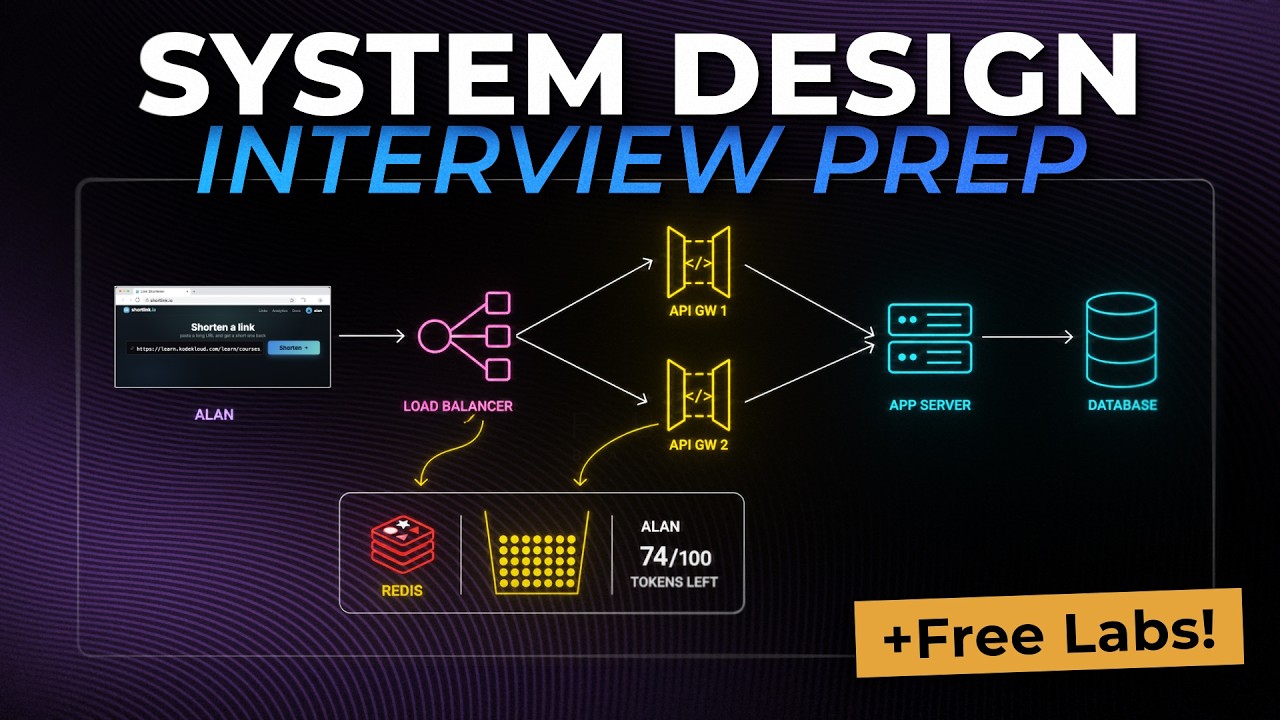 ▶ PLAYING
Crack the System Design Interview: Full Beginner Course
OPULENTIX
10 views • 1 week ago
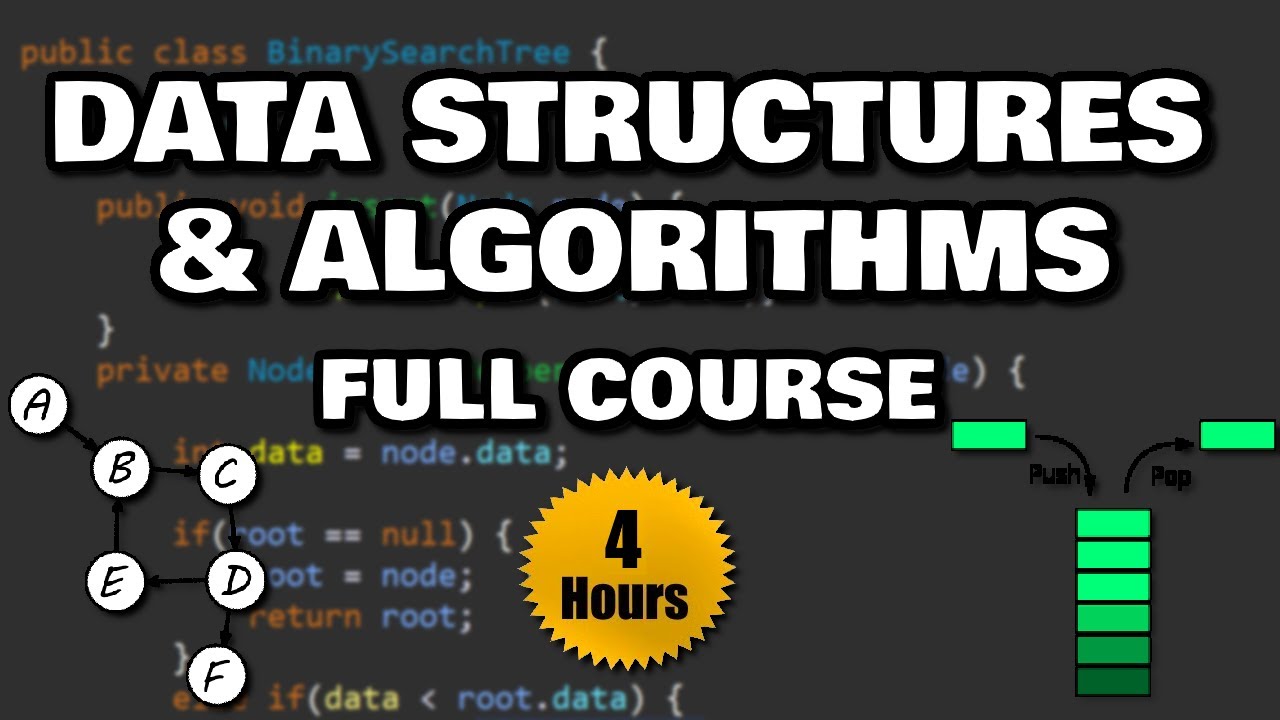 ▶ PLAYING
Master Data Structures & Algorithms: Full Course
OPULENTIX
6 views • 1 week ago
 ▶ PLAYING
Master Python for Free: The Ultimate Full Course
OPULENTIX
9 views • 1 week ago