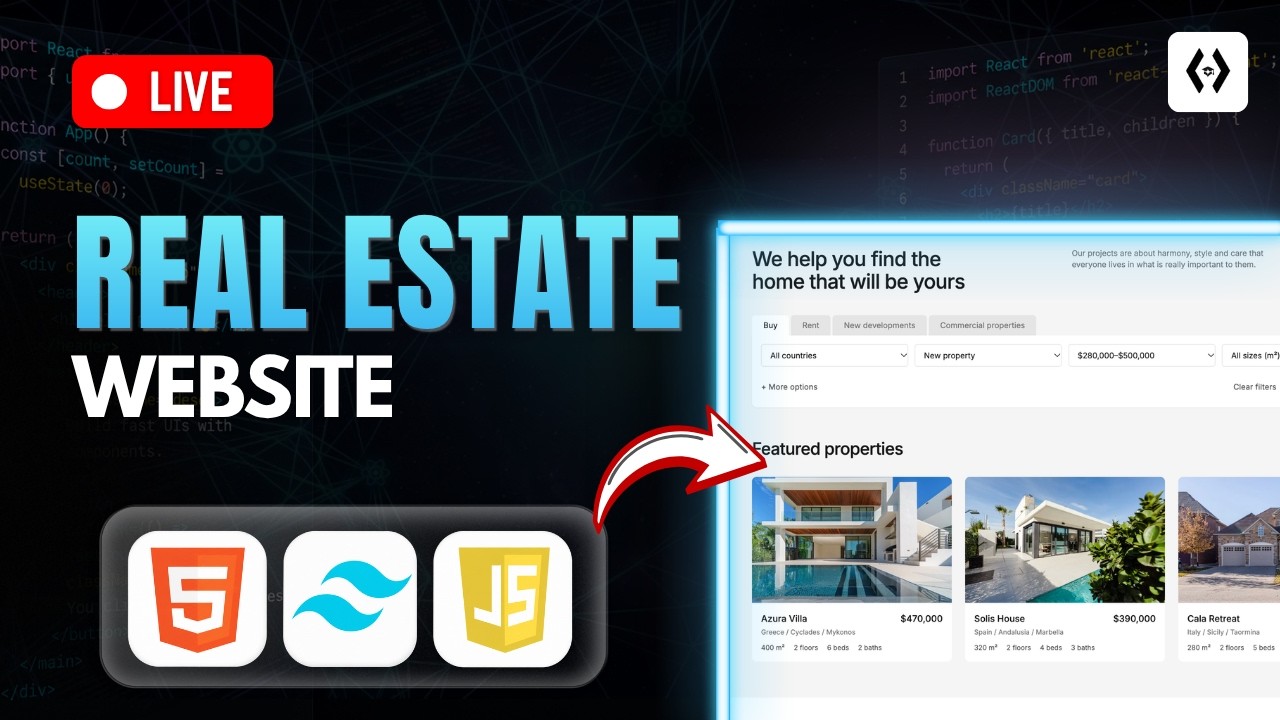
Build a Real Estate Website: HTML, Tailwind CSS & JavaScript Tutorial | Full Guide

OPULENTIX
Official Channel
Watch a Real Website Get Built, Line by Line 💻
Reading about web development is one thing. Seeing a complete, modern website take shape in real time is another. In this live coding session, you build a real estate website from an empty file to a responsive, interactive finished page, and you see the reasoning behind every decision.
Step 1: A solid HTML foundation
The project starts with semantic HTML5, structuring the page into clear sections so the site is clean, accessible and easy to maintain.
Step 2: Styling with Tailwind CSS
Next, you set up Tailwind CSS using the CDN, which means no complicated build tools. Then you style a modern interface with utility classes, building layouts with Flexbox and Grid.
Step 3: Making it responsive
A real estate site must look great on every screen. You use the sm:, md: and lg: breakpoints to adapt the layout, and learn how to hide and show elements at different screen sizes.
Step 4: Adding interactivity with JavaScript
This is where the page comes alive:
- Build a mobile menu by toggling classes
- Filter property cards using data attributes and
forEach() - Switch active tab styles with
classList - Handle click and submit events
- Prevent default form behavior
- Write clean, well-commented vanilla JavaScript
A realistic note
Basic HTML and CSS knowledge will help you keep up. The session is live-coded, so pause often and type along.
Who is it for?
Beginner and intermediate front-end learners, students, freelancers and anyone who wants a polished portfolio project.
Follow along, make it your own, and finish with a responsive website you can proudly show off. 🏡
Suggested For You
 NEW
Build a Full Stack Social Media App: React & Appwrite
OPULENTIX
8 views • 23 hours ago
 NEW
Build & Sell AI Websites to Local Businesses | Full Course
OPULENTIX
2 views • 23 hours ago
 NEW
Create a Stunning 3D React Portfolio with Three.js
OPULENTIX
3 views • 23 hours ago
 NEW
Complete JavaScript Course | Master JS for Beginners
OPULENTIX
3 views • 3 days ago
 NEW
The BEST Free Website Builders: I Built 20 Sites to Test | Step By Step
OPULENTIX
2 views • 3 days ago
 NEW
HTML & CSS Expert Tutorial: Advanced Layouts, Forms & Accessibility | Free Web Design Course
OPULENTIX
2 views • 3 days ago
 NEW
Become a Fullstack Developer from Scratch: Full 45+ Hour Beginner Course
OPULENTIX
4 views • 3 days ago
 NEW
HTML, CSS & JavaScript Projects for Beginners: Build 19 Apps | Step by Step
OPULENTIX
4 views • 4 days ago