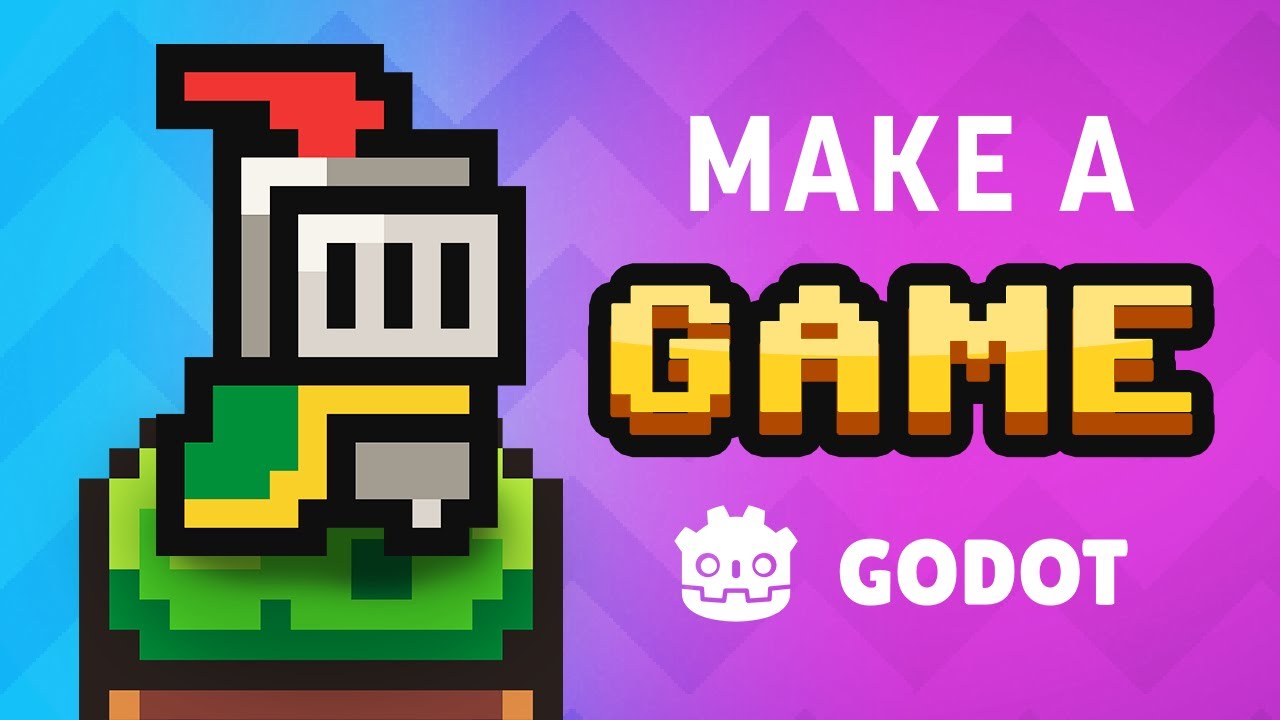
Build Your First 2D Game in Godot: Complete Beginner Tutorial

OPULENTIX
Official Channel
Every game developer remembers the exact moment their first character actually moved across the screen. For many, that spark starts right here. Rather than drowning you in dry computer science theory before you ever touch a sprite, this masterclass drops you straight into the Godot Engine and walks you through building a complete, playable 2D platformer from scratch.
"Wait—Can I Really Learn Game Dev With Zero Experience?"
That is the biggest hurdle most aspiring creators face, and the tutorial tackles it head-on in the first five minutes. After a quick introduction to Godot and deciding on the scope of the project, you immediately start "cooking with assets" and learning the core secret behind how Godot works. Once its node-and-scene philosophy clicks, everything else feels surprisingly intuitive.
From a Blank Screen to a Living World 🎮
Instead of trying to make everything perfect on the first pass, the lesson uses an iterative workflow—just like real indie studios do:
- Getting Things Moving: You start with Player 1.0 to get basic character movement working, then expand into Worldbuilding 1.0, Platforms, and collectible Pickups so there is actually a level to explore.
- Raising the Stakes: A game isn't much of a game without consequences. By introducing Dying 1.0, building out Worldbuilding 2.0, scripting an Enemy, and refining collision rules in Dying 2.0, your simple sandbox suddenly gains real tension and challenge.
- Leveling Up the Feel: With the core loop intact, Player 2.0 polishes movement and animations so jumping and running feel genuinely responsive.
"You don't need a massive studio or years of complex coding to bring a 2D world to life—you just need to finish your first playable game."
The Final Polish & Hitting Export 🚀
What separates a rough prototype from a real video game? Presentation and feedback. In the final stretch, you add on-screen Text, build a working Score system, and layer in Audio to give every jump, pickup, and defeat satisfying weight. The journey wraps up with the celebratory "Expoooort!!!" stage—turning your project into a standalone game you can share with friends—followed by practical advice on where to go next on your game development path.
Whether you are switching from another engine or opening a game editor for the very first time, this end-to-end walkthrough proves that making video games is far more approachable than it looks.
Up Next / Watch Later
 ▶ PLAYING
Claude Code for Web Designers: Design to Live Site | Full Course
OPULENTIX
7 views • 2 days ago
 ▶ PLAYING
Build a Free No-Code AI Agent with Hermes: Ultimate Guide
OPULENTIX
10 views • 1 week ago
 ▶ PLAYING
Free NVIDIA AI Infrastructure Course (NCA AIIO Certification)
OPULENTIX
8 views • 1 week ago
 ▶ PLAYING
Complete Unreal Engine 5 Course: Build Games from Scratch
OPULENTIX
8 views • 1 week ago
 ▶ PLAYING
Git & GitHub Crash Course for Beginners: Every Essential Command Explained
OPULENTIX
5 views • 1 week ago
 ▶ PLAYING
Learn Linux: The Full Beginner Course (Terminal, Permissions & More)
OPULENTIX
7 views • 1 week ago