
Godot 4 Tutorial: Create a 3D Survivor FPS from Zero

OPULENTIX
Official Channel
Ever dreamt of building your own 3D shooter but felt completely overwhelmed by complex game engines? You're definitely not alone! Let's talk about turning that dream into reality without the usual beginner frustration.
In this incredibly detailed walkthrough, we are tossing out the boring, rigid step-by-step formats that usually leave new developers confused. Instead, you'll actually understand why you are writing each line of code. We dive headfirst into the fantastic world of Godot 4 to build a fully functional Survivor Arena FPS—literally from zero.
🎮 So, how does the journey unfold?
"I've never coded a camera before, where do I start?"
Right here! Once we get the initial engine setup out of the way, we jump straight into the mechanics that make an FPS feel good. You will learn the exact math and logic behind smooth camera rotation and limiting mouse movement so the player's view doesn't break.
Next up is the adrenaline rush of movement. We dedicate a huge chunk of time to coding responsive ground movement and nailing that perfect jump-and-fall gravity physics.
Once your character feels amazing to control, it’s time to play architect. You will design your very first 3D level environment and then immediately fill it with danger. The final act of this guide equips you with the knowledge to program satisfying shooting mechanics and spawn aggressive enemy mobs to test your survival skills.
(Oh, and keep your eyes peeled—there are a few sneaky Easter Eggs hidden throughout the journey just for fun!) 😉 Grab your keyboard, fire up Godot 4, and let's start building your first digital masterpiece.
Suggested For You
 NEW
Technical Analysis Full Course: Beginner to Advanced Chart Reading
OPULENTIX
7 views • 1 week ago
 NEW
Trading for Beginners Part 1: Full Trading Course Tutorial (2+ Hours)
OPULENTIX
7 views • 1 week ago
 NEW
Complete GenAI Course: Master Generative AI from Scratch
OPULENTIX
7 views • 1 week ago
 NEW
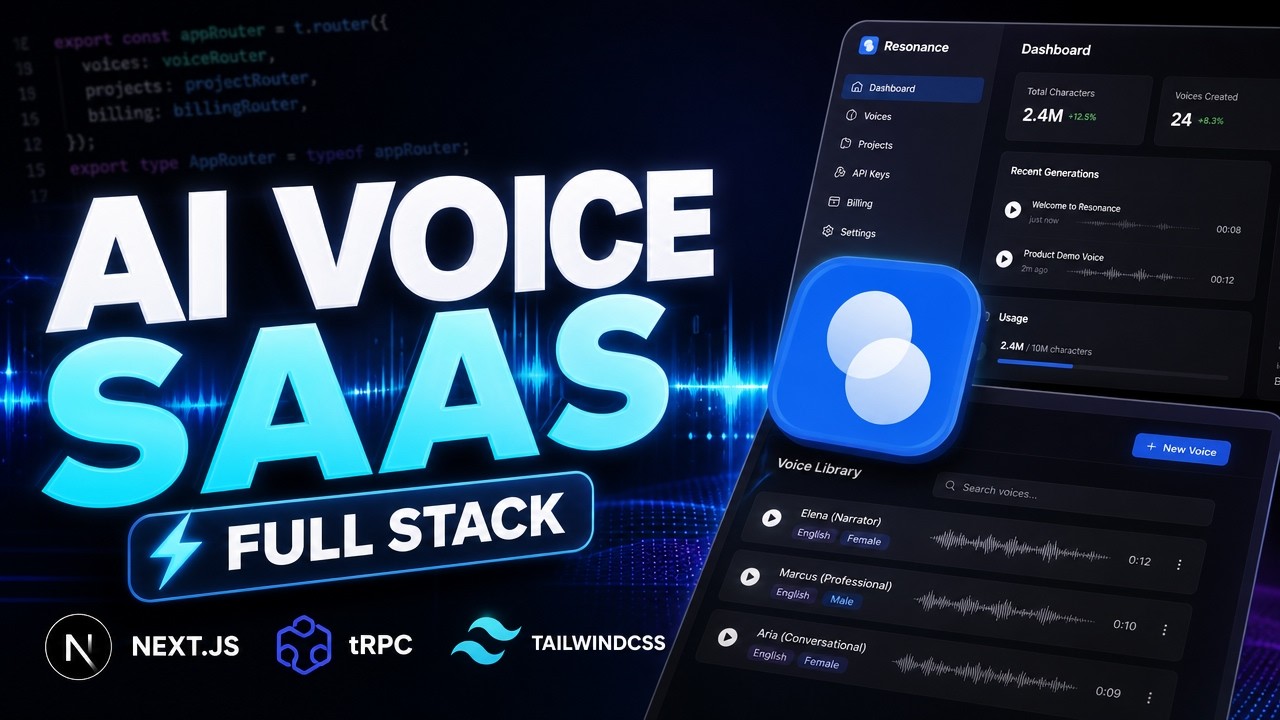
Build an AI Voice | Complete 11 Hours Free Course: Next.js & Voice Cloning
OPULENTIX
10 views • 1 week ago
 NEW
Trading Using Order Flow: Full Masterclass
OPULENTIX
8 views • 1 week ago
 NEW
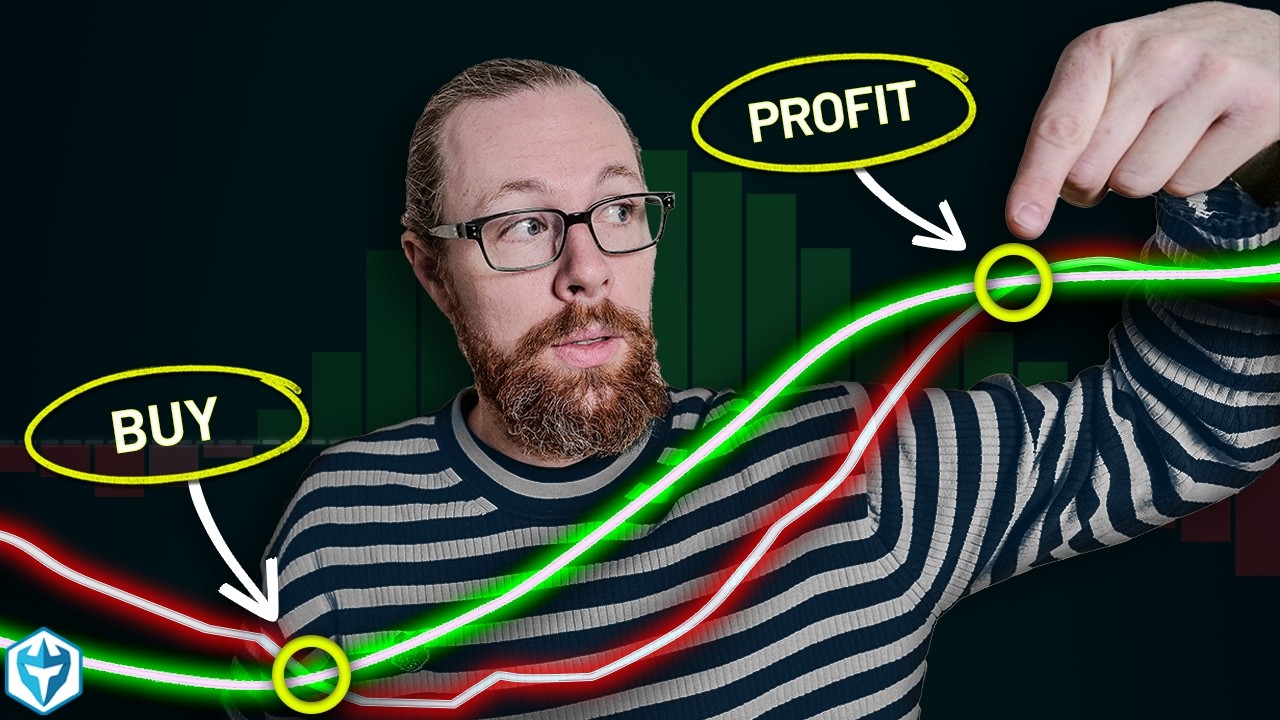
How to Read Technical Indicators on Candlestick Charts | Full Beginner Guide
OPULENTIX
10 views • 1 week ago
 NEW
JavaScript Beginner Course for Free: Learn to Code From Scratch
OPULENTIX
7 views • 1 week ago
 NEW
ReactJS Full Course: Build & Deploy 3 Modern Web Apps (Beginner Guide)
OPULENTIX
7 views • 1 week ago
 NEW
Cold Email Marketing Mastery: Full 7 Hour Free Course
OPULENTIX
7 views • 1 week ago