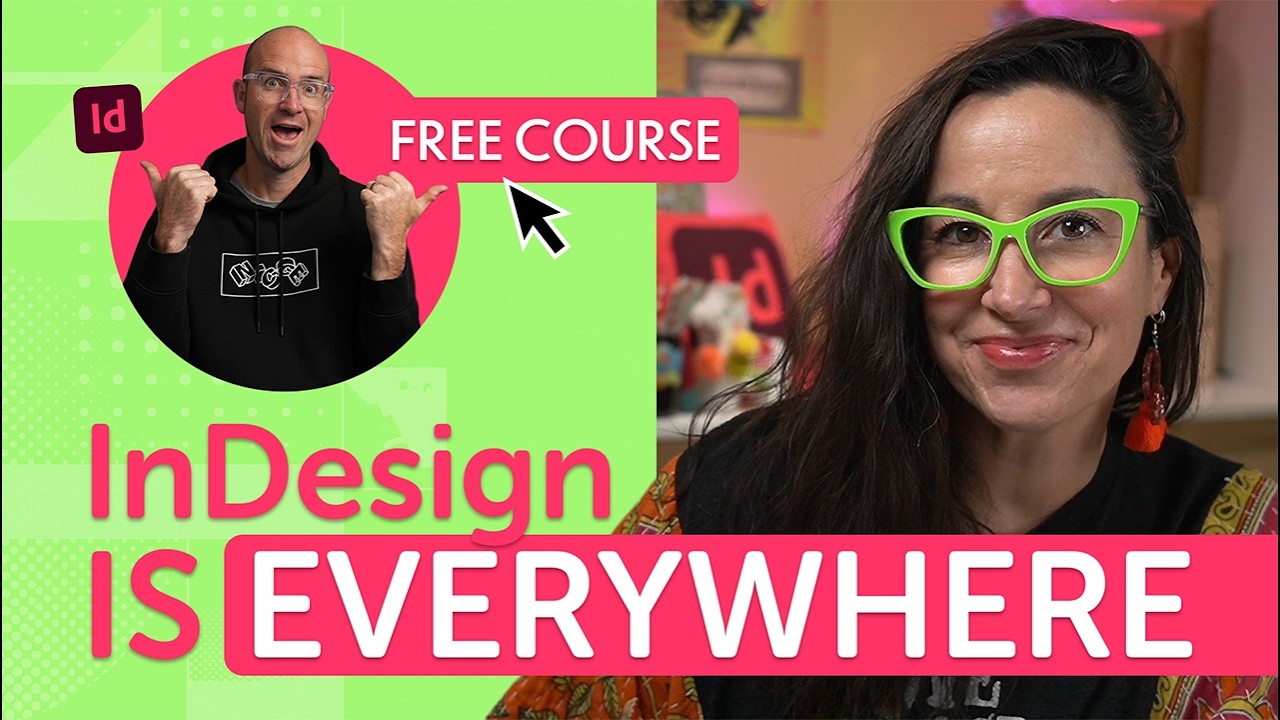
Master Adobe InDesign in 4 Hours | Full Beginner Course

OPULENTIX
Official Channel
Have you ever opened Adobe InDesign, stared at the overwhelming workspace, and immediately closed the software? You are certainly not alone. Transitioning from tools like Canva, Photoshop, or Illustrator into the world of editorial and publication design can feel like trying to learn an alien language.
But what if you could go from total beginner to designing stunning, print-ready brochures in just one afternoon?
Welcome to the ultimate 4-hour InDesign masterclass! Instead of putting you to sleep with endless theory and tool explanations, this course is entirely project-based. Within the first 20 minutes, you will already be crafting your very first poster design. We will demystify the intimidating interface, set up color swatches, and jump straight into setting up a professional flyer document.
🔥 Mastering the Long-Form Document
The real magic of InDesign unlocks when you start building multi-page brochures. This tutorial will teach you the exact industry secrets used by professional editorial designers:
- Setting up "Bleeds" perfectly so your physical print jobs never come back with ugly white borders.
- Threading text seamlessly between multiple frames across different pages.
- Creating powerful "Paragraph Styles" and "Character Styles" to format a massive document in seconds.
- Anchoring images directly to your text so your layouts never break when you add or delete a paragraph.
Q: Is this course only for digital PDFs, or will I learn how to print?
A: We heavily focus on physical print production! You will learn exactly how to export flawless, high-resolution PDFs for print shops, fine-tune your paragraph spacing, build numbered lists, and understand the crucial difference between placing versus pasting vector graphics.
Stop relying on rigid pre-made templates. It is time to learn the industry standard for layout design. Grab your client brief, open up InDesign, and let's start creating!

Up Next / Watch Later
 ▶ PLAYING
AI Social Media Design: My Exact Workflow & Ultimate Pack | Free Course
OPULENTIX
7 views • 1 week ago
 ▶ PLAYING
Advanced Photoshop Techniques | Full Guide
OPULENTIX
8 views • 1 week ago
 ▶ PLAYING
Photoshop for Beginners: Free Full Course
OPULENTIX
3 views • 1 week ago
 ▶ PLAYING
Graphic Design Basics: Theory, Color & Typography | Free Beginner Course
OPULENTIX
5 views • 1 week ago
 ▶ PLAYING
Blender 3D for Beginners (Full Course)
OPULENTIX
8 views • 1 week ago
 ▶ PLAYING
Master Adobe Illustrator in 3 Hours | Free Course
OPULENTIX
6 views • 1 week ago
 ▶ PLAYING
Master Affinity Suite: 3 Hour Free Beginner Masterclass
OPULENTIX
7 views • 1 week ago