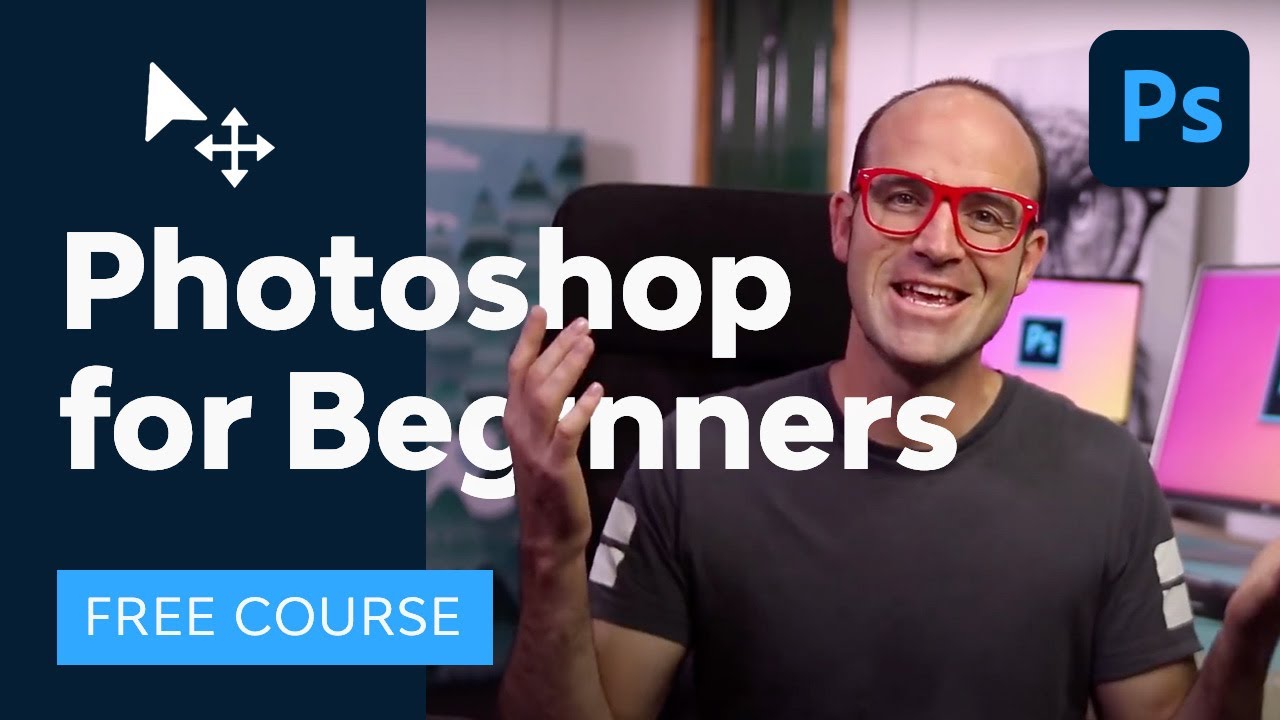
Photoshop for Beginners: Free Full Course

OPULENTIX
Official Channel
Photoshop Feels Overwhelming at First. This Course Makes It Simple. 🖌️
Open Photoshop for the first time and you face hundreds of tools, panels and menus. Most beginners click around, get frustrated and close it. This free course of about three hours fixes that by teaching Photoshop in a clear, logical order, so each lesson builds on the last.
Start with the foundation: layers
Everything in Photoshop begins with layers. You learn how they work and how to combine multiple images into one composition. Once layers make sense, the rest of the program does too.
Color and adjustments
Next you improve photos without damaging them, using adjustment layers for tone with Levels, color adjustments and hue changes.
Text and styling
Learn to work with type, create warped text and text on a path, and add depth with layer styles and effects such as shadows and strokes.
Cropping and resizing
Understand how to crop properly and how resizing and resolution work, so your images stay sharp for print or web.
Selections and masking
This is a major skill. You practice the marquee tools, clipping masks, the Quick Selection tool, layer masks and Select and Mask to cut out subjects cleanly and edit non-destructively.
More power tools
- Smart Objects for flexible, reversible edits
- Transform and Warp to reshape layers
- Healing Brush and Content-Aware Scale for retouching
Finish line: exporting
The course ends by showing how to export images in the right format for your project.
A quick note
Interface details may vary slightly between Photoshop versions. Follow along with your own images for the best results.
Who is it for?
Beginners, students, content creators, photographers, small business owners and aspiring designers.
Open Photoshop, load a photo and learn by doing. 🎨

Up Next / Watch Later
 ▶ PLAYING
AI Social Media Design: My Exact Workflow & Ultimate Pack | Free Course
OPULENTIX
7 views • 1 week ago
 ▶ PLAYING
Advanced Photoshop Techniques | Full Guide
OPULENTIX
8 views • 1 week ago
 ▶ PLAYING
Graphic Design Basics: Theory, Color & Typography | Free Beginner Course
OPULENTIX
5 views • 1 week ago
 ▶ PLAYING
Blender 3D for Beginners (Full Course)
OPULENTIX
8 views • 1 week ago
 ▶ PLAYING
Master Adobe Illustrator in 3 Hours | Free Course
OPULENTIX
7 views • 1 week ago
 ▶ PLAYING
Master Adobe InDesign in 4 Hours | Full Beginner Course
OPULENTIX
5 views • 1 week ago
 ▶ PLAYING
Master Affinity Suite: 3 Hour Free Beginner Masterclass
OPULENTIX
7 views • 1 week ago