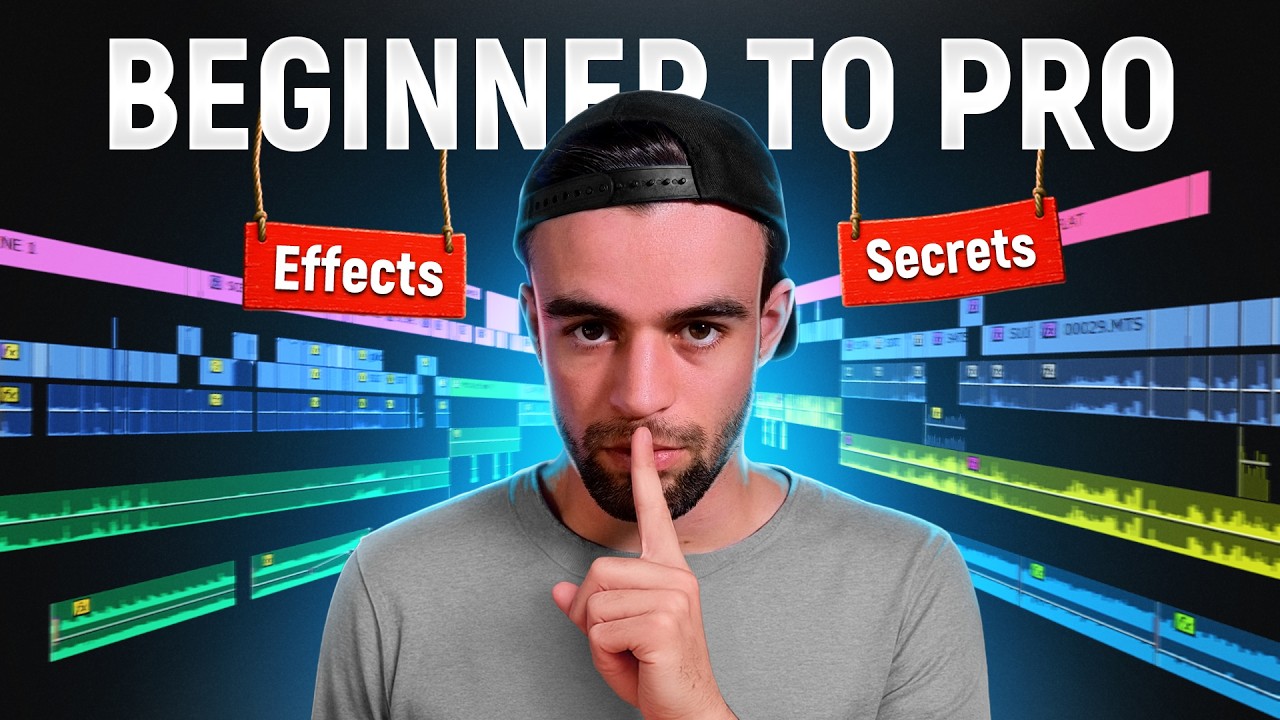
Full Video Editing Course for YouTube: Edit Like a Pro (4+ Hours)

OPULENTIX
Official Channel
Your Footage Is Ready. Now What? 🎬
Great ideas die in bad edits. Pacing drags, audio is muddy, effects look pasted on, and viewers click away. This 4-hour course walks you through the full editing process for YouTube, from the first cut to the final export, so your videos look and feel professional.
Stage 1: Core editing skills
After a short intro, you dive into editing your videos, then speed up your workflow with syncing and linking clips and keyboard shortcuts. You also get hands-on with keyframes, the tool behind smooth motion, zooms and animations.
Stage 2: Visuals and audio
- Add visual effects and overlays
- Work with green screens
- Clean up and improve vocals
- Layer in sound effects and music
- Render and export with the right settings
Stage 3: A full editing example
Instead of stopping at theory, the course includes a long, real editing walkthrough, so you see how decisions are made on an actual video from start to finish.
Stage 4: Learn from mistakes
A dedicated section on common editing mistakes helps you avoid the habits that make videos feel amateur. You then watch a video review session with Nate Black, where real edits are critiqued with practical feedback.
Stage 5: Get more from every video
The course closes with repurposing longform videos into more content, plus an outro.
A quick note
The course is software-agnostic in spirit, but some steps may look different depending on the editing program you use. Edit along with your own footage for the best results.
Who is it for?
New YouTubers, content creators, aspiring video editors, freelancers and anyone who wants to improve the quality of their videos.
Open your editor, follow along and turn raw clips into videos people want to finish. 🚀
Up Next / Watch Later
 ▶ PLAYING
How to Edit Short-Form Content in Premiere Pro (Full Course)
OPULENTIX
3 views • 4 days ago
 ▶ PLAYING
Create a Modern SaaS Promo Animation in After Effects
OPULENTIX
7 views • 1 week ago
 ▶ PLAYING
How to Edit High Quality Reels: Full Adobe Premiere & After Effects Course
OPULENTIX
9 views • 1 week ago
 ▶ PLAYING
Make AI Films That Don't Look Like AI (Full Guide)
OPULENTIX
9 views • 1 week ago
 ▶ PLAYING
Premiere Pro for Beginners: Complete Full Course
OPULENTIX
9 views • 1 week ago
 ▶ PLAYING
Master DaVinci Resolve: Complete Full Course for Beginners
OPULENTIX
4 views • 1 week ago