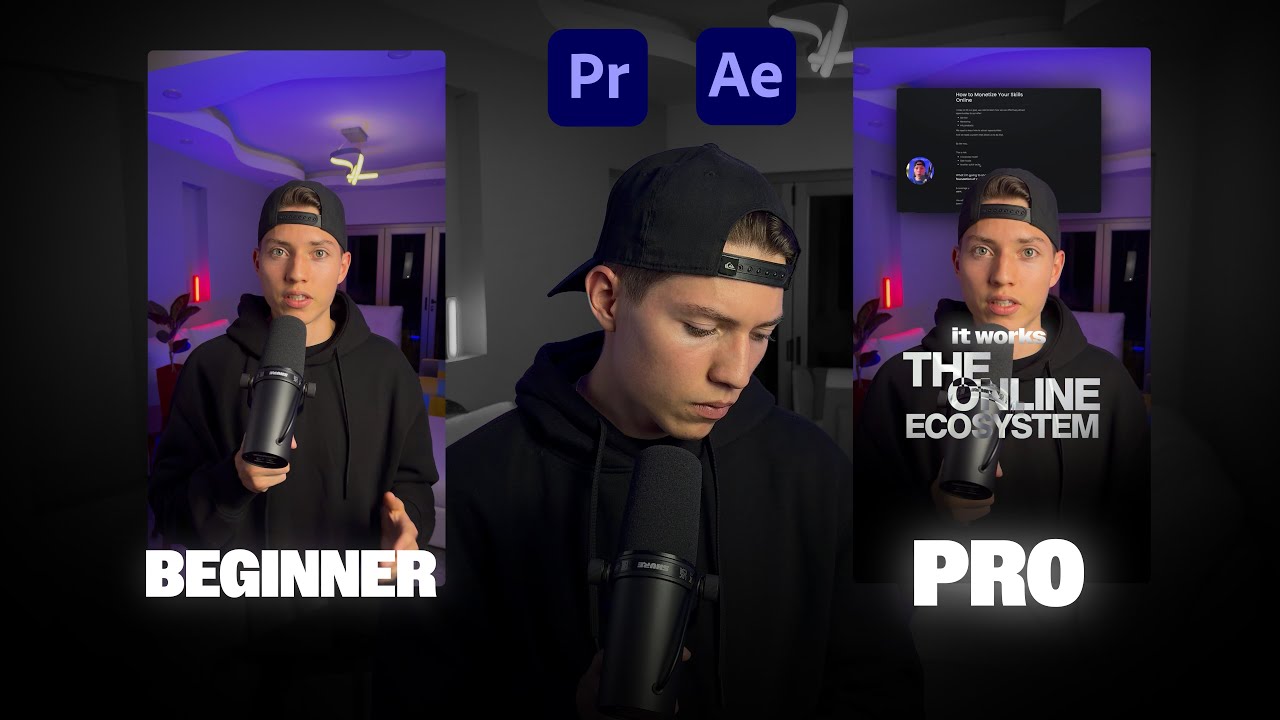
How to Edit High Quality Reels: Full Adobe Premiere & After Effects Course

OPULENTIX
Official Channel
The Making Of a Scroll-Stopping Reel: A Story in Three Modules
Every viral-looking Reel has the same secret: it is not luck, it is a process. This 8-hour course hands you that process, from a messy folder of footage to a polished, finished edit.
Module 1: Laying the groundwork
Great edits start before the first cut. You learn how to organize your files so projects never turn into chaos, how to develop your own editing style, and how to use a ready-made Premiere template to speed up your workflow.
Module 2: Preparing and building
Next you prepare your footage, brainstorm ideas, and open an After Effects template. Then the creative work begins. You learn rotoscoping to separate subjects from backgrounds and spend a long, detailed stretch creating elements for your Reels.
Module 3: Bringing the Reel to life
This is the biggest part of the course:
- Crafting a strong hook that stops the scroll
- Using null objects for smooth, controlled animation
- Adding effects that elevate your visuals
- Setting up 3D cameras for depth and movement
- Creating subtitles and captions
- Editing alongside a path for dynamic motion
- Designing a call-to-action (CTA)
- Adding sound effects and music to finish the edit
A realistic note
This is an intermediate-to-advanced course. Basic familiarity with Premiere Pro and After Effects will help, and a capable computer is recommended, since some effects are heavy to render.
Who is it for?
Content creators, freelance video editors, social media managers, filmmakers and anyone who wants their Reels to look professional.
Grab your footage, follow along module by module, and finish with a Reel you are proud to post. 🎬
Up Next / Watch Later
 ▶ PLAYING
How to Edit Short-Form Content in Premiere Pro (Full Course)
OPULENTIX
4 views • 4 days ago
 ▶ PLAYING
Create a Modern SaaS Promo Animation in After Effects
OPULENTIX
7 views • 1 week ago
 ▶ PLAYING
Full Video Editing Course for YouTube: Edit Like a Pro (4+ Hours)
OPULENTIX
6 views • 1 week ago
 ▶ PLAYING
Make AI Films That Don't Look Like AI (Full Guide)
OPULENTIX
9 views • 1 week ago
 ▶ PLAYING
Premiere Pro for Beginners: Complete Full Course
OPULENTIX
9 views • 1 week ago
 ▶ PLAYING
Master DaVinci Resolve: Complete Full Course for Beginners
OPULENTIX
4 views • 1 week ago