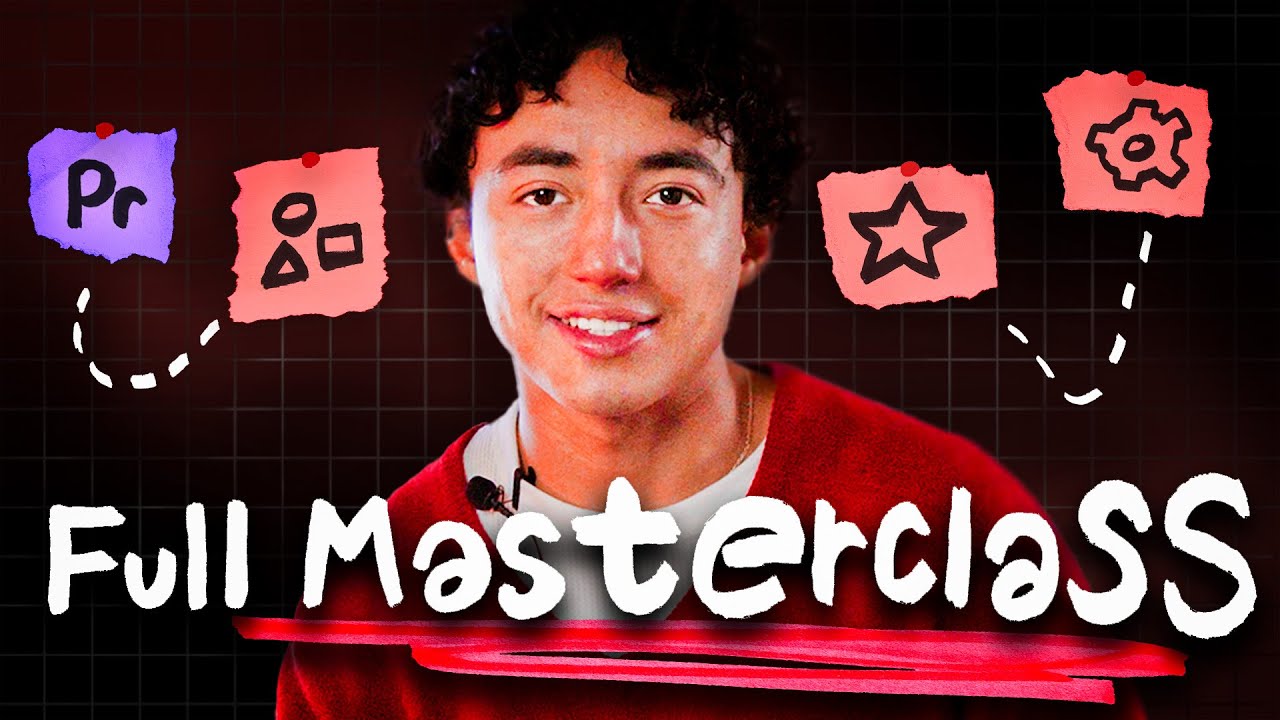
How to Edit Short-Form Content in Premiere Pro (Full Course)

OPULENTIX
Official Channel
Good short-form editing is never about throwing random transitions on a timeline until viewers get dizzy; it is about pacing, visual clarity, and keeping attention locked from frame one. Packed into roughly 45 minutes, this Premiere Pro full course walks through a complete, repeatable editing workflow built specifically for modern short-form content.
Rather than jumping around disconnected effect tricks, the training moves chronologically through four practical production stages:
- Project Foundations & Tight Audio Cuts: Starting straight from opening Premiere Pro, you set up clean sequences, get comfortable with core timeline tools, sync audio tracks, and tighten dialogue pacing using J-cuts so dead air never kills retention.
- Visual Polish, B-Roll & Rotoscoping: Once the core cut feels snappy, the workflow layers in color grading, marked zones, dynamic effects, cinematic B-roll, and rotoscoping techniques that give vertical clips a high-end look.
- Hooks, Captions & Sound Design: Because viewers decide within seconds whether to keep watching—often with sound off at first—dedicated modules cover building caption hooks, styling clean captions, placing punchy sound effects, and dialing in crisp export settings for the finished video.
- Repeatable Speed & Batching Systems: Where most Premiere tutorials stop at export, the final chapters show how working editors actually hit consistent deadlines—creating text presets, saving reusable sequences and hooks, and batching content efficiently.
Whether you are cutting clips for your own channels or taking on client editing work, pairing sharp visual polish with saved templates and batch workflows turns a slow, manual edit into a smooth assembly line.
Up Next / Watch Later
 ▶ PLAYING
Create a Modern SaaS Promo Animation in After Effects
OPULENTIX
7 views • 1 week ago
 ▶ PLAYING
Full Video Editing Course for YouTube: Edit Like a Pro (4+ Hours)
OPULENTIX
6 views • 1 week ago
 ▶ PLAYING
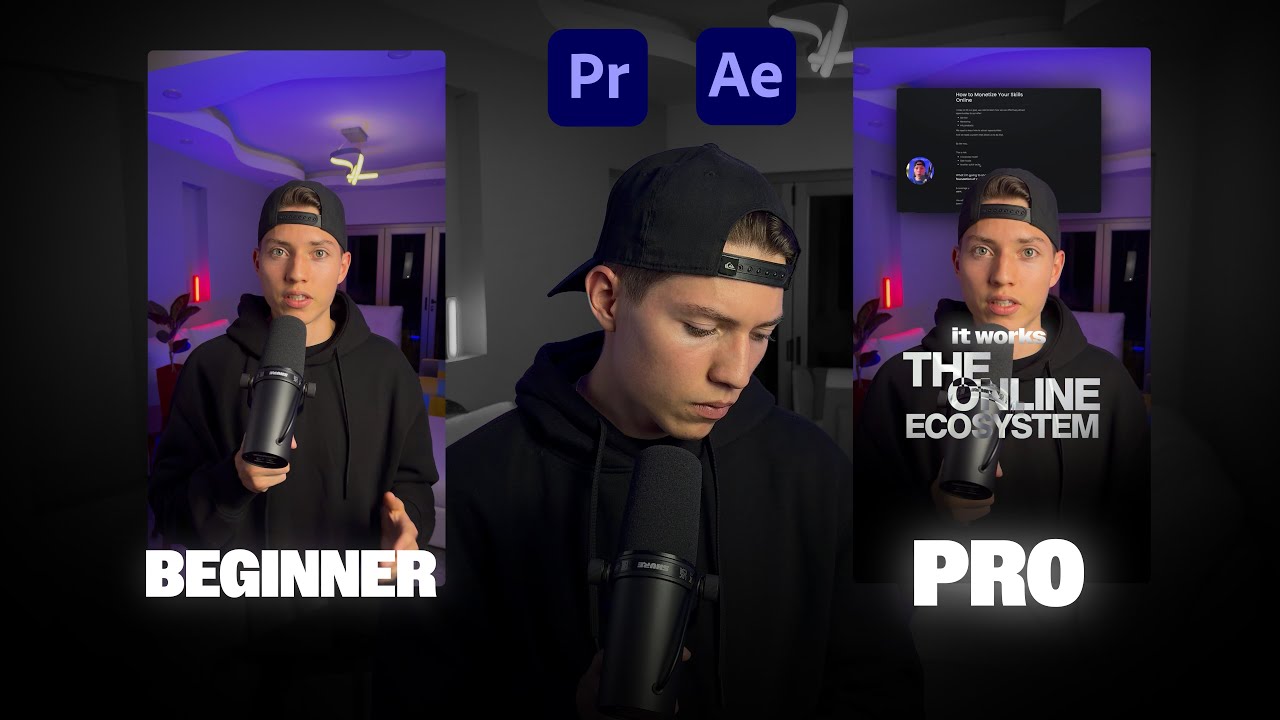
How to Edit High Quality Reels: Full Adobe Premiere & After Effects Course
OPULENTIX
9 views • 1 week ago
 ▶ PLAYING
Make AI Films That Don't Look Like AI (Full Guide)
OPULENTIX
9 views • 1 week ago
 ▶ PLAYING
Premiere Pro for Beginners: Complete Full Course
OPULENTIX
9 views • 1 week ago
 ▶ PLAYING
Master DaVinci Resolve: Complete Full Course for Beginners
OPULENTIX
4 views • 1 week ago